

Written by the Cabos Airport Transportation operations team — we drive these routes every day.
Get an instant Cabo airport transfer quote online in under 2 minutes: enter your flight and hotel, pick a vehicle at a flat zone price, then pay in full or a deposit. No phone call or login required — most bookings confirm in the same session, with your confirmation email and driver details sent right after checkout.
How to get a Cabo airport transfer quote online
There is no separate "request a quote" step before you can book — entering your trip details on our online form is the quote. As soon as you pick your destination from the address suggestions, the form matches it to a pricing zone and shows real vehicle prices immediately, not an estimate you have to wait on by email or phone. From there, reserving the transfer takes the same three steps as getting the quote: trip details, vehicle, payment.
Step 1: enter your trip details
- Pickup date — the date your flight lands in Los Cabos.
- Flight arrival time — when your flight lands. If you have a connecting flight, use your final flight’s arrival time; the system already adds the time you need for customs and baggage claim, so you don’t need to pad it yourself.
- Destination (hotel or address) — start typing your hotel name or address and pick one of the suggestions. This is what confirms your zone pricing; addresses that don’t match a suggestion don’t get an instant price (more on that below).
- Passengers and luggage (suitcases) — used to filter which vehicles fit your group.
- Flight number — optional but recommended, since it’s what lets us track your arrival if your flight is delayed.
- Round trip toggle — switch this on if you also want your return pickup booked now (return trips get a discount, covered below).
- Special requests — an optional free-text field for anything else, like a car seat or extra stop.
One scheduling rule applies at this step: online bookings need at least one day’s notice, so the form will ask you to choose tomorrow or a later date. Reservations can otherwise be made as far as a year in advance, and if our prices change in the meantime, your locked-in quote doesn’t — you pay what you booked at.
Step 2: choose your vehicle and add-ons
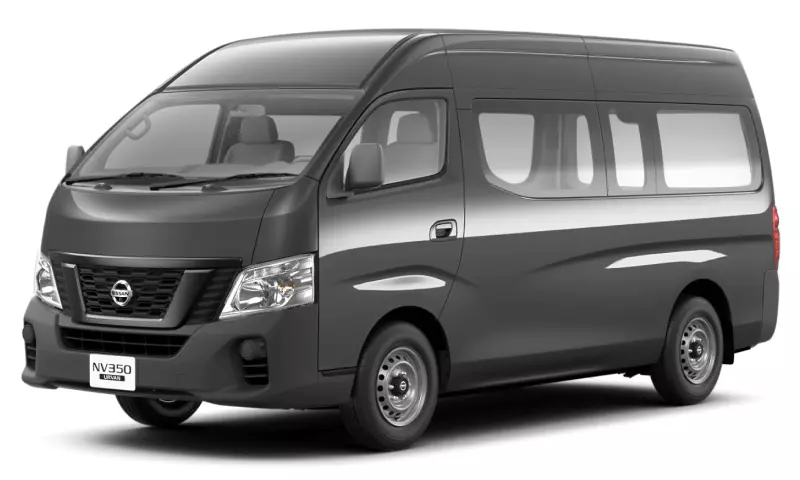
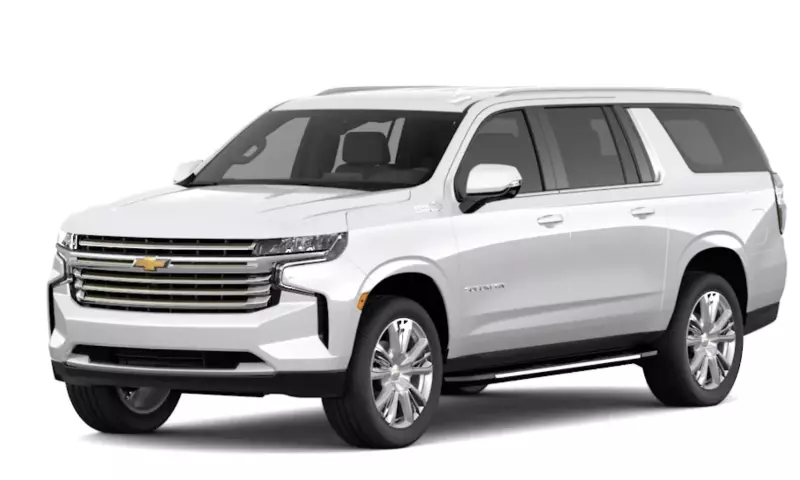
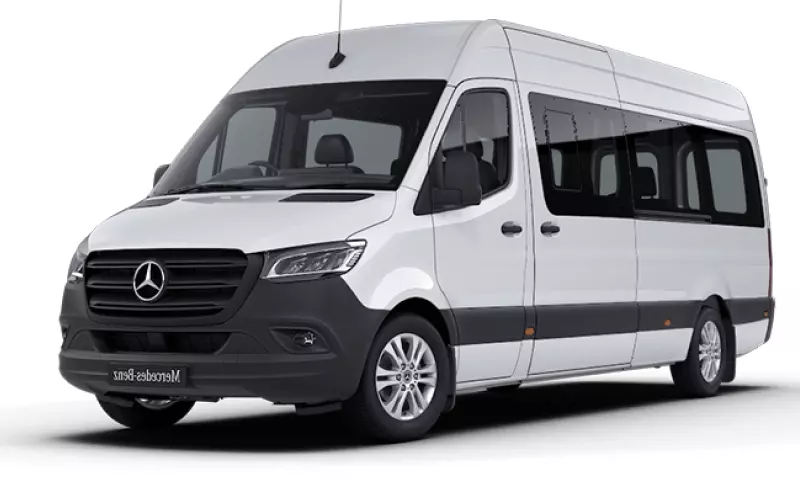
Once your destination confirms a zone, the next screen lists the vehicles available for your party size and their price — a Private Van for most groups, a VIP Suburban, or a Mercedes Sprinter for larger parties — each shown as a flat per-trip total (and a round-trip total if you switched that toggle on in Step 1). From the same screen you can add extras like beverages, accessibility requests, or family add-ons such as a car seat before continuing.
Step 3: enter your info and pay
The last step asks for your full name, email, and phone number (with country code), then offers two ways to pay: pay in full now, which confirms your reservation immediately, or pay a deposit online with the remaining balance paid in cash to your driver on arrival. There’s also a field to apply a discount code if you have one. Payment itself is processed securely by card — no wire transfer or cash is needed to complete the online reservation.
What happens right after you book
Paying in full brings up a confirmation page with your booking reference code, trip details, and payment summary — showing what you paid today and, if you chose the deposit option, what’s due on arrival. The same details go out in a confirmation email right away. On the day of your flight, we track it automatically, and your driver meets you at Shaded Area #3 outside SJD arrivals holding a board with your name — no separate check-in step required.
When your destination doesn’t have a fixed zone price
A handful of destinations — a remote address outside our standard zones, or a group larger than our biggest vehicle — can’t be priced instantly through the form. In that case, the online flow switches to a custom-quote request: your name, email, phone, destination, passenger count, and pickup date, plus an optional message. That request goes to our team by email, and replies typically come back within hours rather than instantly — it’s the one part of the process that isn’t automatic.
Booking round trip or for a large group
Turning on the round-trip toggle in Step 1 books both legs in the same reservation and discounts the return trip — see our round-trip deals guide for the exact savings by zone. For groups too large for one vehicle, our Sprinter van guide covers per-person pricing and when it beats splitting a party across multiple cars.
Changing or canceling a reservation after you book
Plans change, and the policy is the same whether you booked five minutes or five months ago. You can cancel up to 3 days before your service for a 10% penalty fee; canceling with less notice than that isn’t refundable. Date or schedule changes, on the other hand, are free when requested at least 24 hours ahead (return-trip pickup times can be adjusted up to 12 hours ahead) — just reply to your confirmation email or reach us through the website chat.